
Authentication
Hashiro supports multiple authentication methods: interactive sessions for the web console and API tokens for programmatic access.
Web Console Login
Email and Password
Sign in at the Hashiro console with your email address and password. Your session stays active while you use the console.
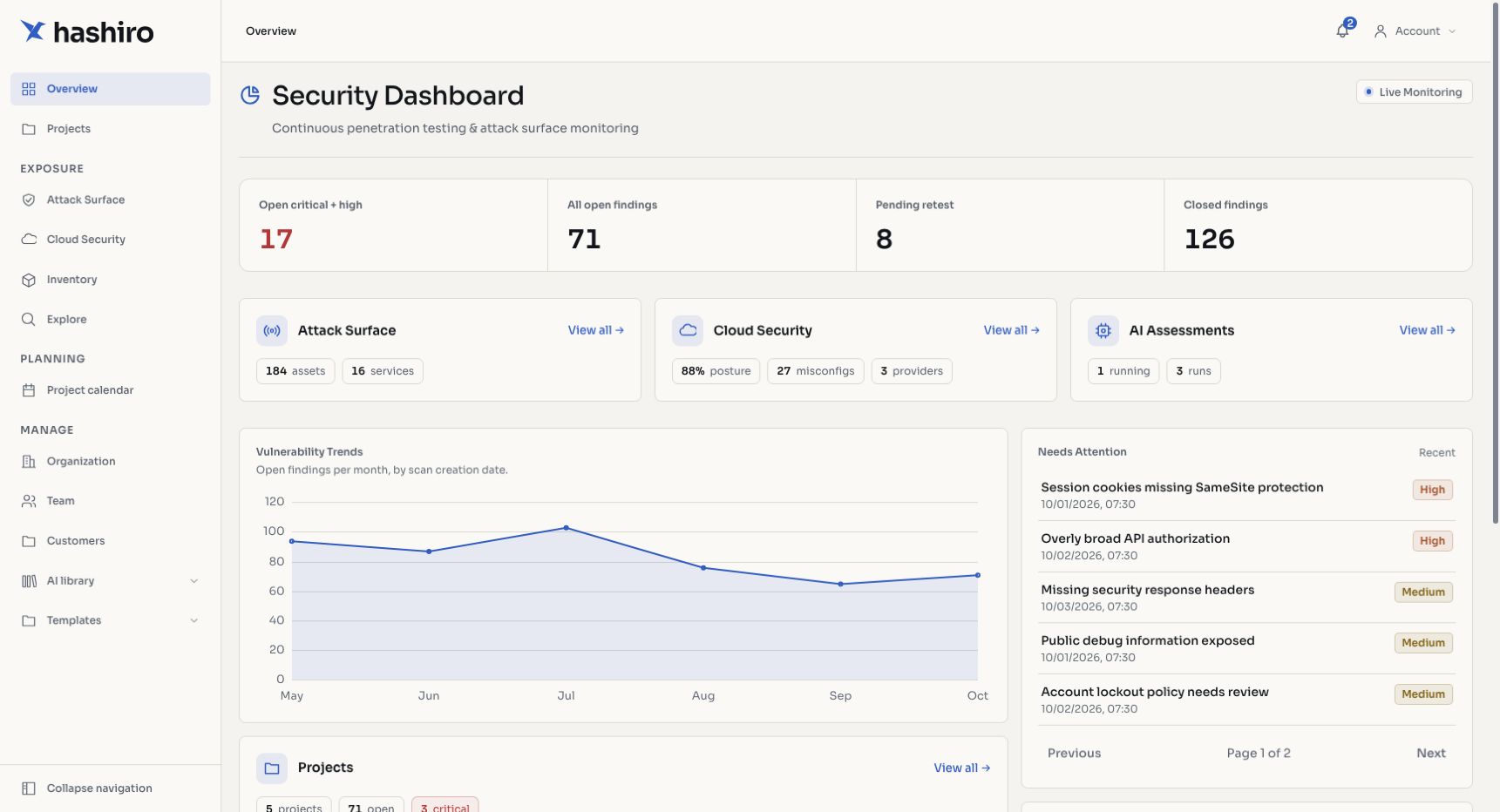
Screenshots use fictional demonstration data.
Multi-Factor Authentication (MFA)
Hashiro supports TOTP-based multi-factor authentication (compatible with Google Authenticator, Authy, 1Password, and similar apps).
Setting up MFA:
- Go to My Account from the user menu
- Navigate to the security section
- Click Enable MFA
- Scan the displayed QR code with your authenticator app
- Enter the 6-digit verification code to confirm setup
Once enabled, you'll be prompted for your TOTP code on every login after entering your password.
Organization-enforced MFA
Administrators can enable an OTP policy at the organization level, requiring all members to set up MFA. Users in enforced-MFA organizations will be directed to the MFA setup flow on their next login.
Managing MFA:
- Disable: turn off MFA from My Account (if not enforced by organization policy)
- Reset: regenerate your MFA secret if you've lost access to your authenticator
Password Management
- Change password: update your password from My Account at any time
- Password reset: use the "Forgot password?" link on the login page to receive a reset email
- First-login password change: users provisioned by an administrator are required to set a new password on their first sign-in
Rate limiting
Login attempts, OTP validation, and password reset requests are rate-limited to prevent brute-force attacks. After multiple failed attempts, you may need to wait before retrying.
API Tokens
For programmatic access (scripts, CI/CD pipelines, CLI tools, and integrations), use an API token instead of session cookies.
Generating a Token
- Go to My Account
- Click Generate API Key
- Copy and securely store the token. It won't be shown again.
Using the Token
Include your API token in the X-HASHIRO-TOKEN header on every request:
curl -H "X-HASHIRO-TOKEN: your-token-here" \
  https://api.hashiro.ai/api/projects
The token inherits the permissions of the user who generated it. All actions performed with the token are attributed to that user.
Galileo CLI Authentication
The Galileo CLI uses API tokens configured in its TOML profile system. See CLI Configuration for setup details.
Session Lifecycle
| Event | Behavior |
|---|---|
| Login | Issues access_token (short-lived) and refresh_token (long-lived) as HTTP-only cookies |
| Token expiry | Automatically refreshed using the refresh token |
| Logout | Clears both cookies |
| MFA required | Redirects to OTP verification after password validation |
| First login | Redirects to password change before granting access |
Security Considerations
- All authentication endpoints are served over HTTPS
- Passwords are hashed and never stored in plaintext
- API tokens are hashed at rest. The plaintext is only shown once at generation time
- Rate limiting is applied on all authentication endpoints
- Trusted proxy configuration ensures accurate IP-based rate limiting behind load balancers