
AI Assessments
An AI assessment organizes security review within a project. An AI run is one execution of that assessment: it has a selected profile, scope, operating mode, budget, progress, and results. A project can have several runs so your team can compare observations, review changes, and follow remediation over time.
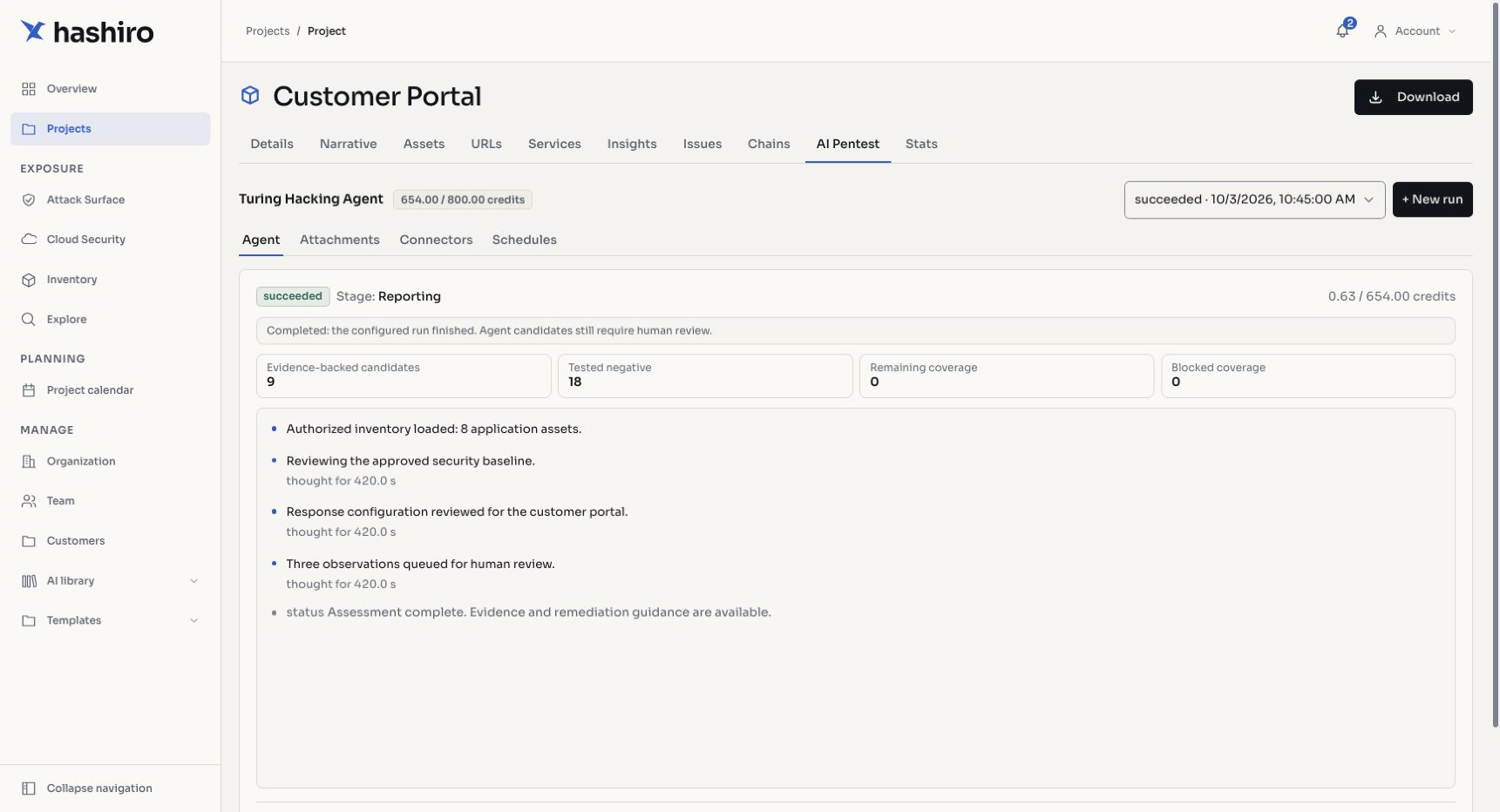
Screenshots use fictional demonstration data.
Understand the available run types
Four choices describe different aspects of a run. Choosing one does not automatically choose the others.
| Choice | What it determines | Examples |
|---|---|---|
| Interaction mode | How the operator participates | Automatic, Assisted, Checklist |
| Assessment intent | The breadth and depth of the review | Lightweight, Balanced, Deep, Continuous |
| Execution location | How the assessment reaches its environment | Platform-managed access, local/private-network access |
| Assessment purpose | What outcome the team wants to evaluate | Security findings, remediation review, purple team validation through a plugin |
AI Runs explains these choices, prerequisites, budgets, progress, results, and review in detail. Run Modes shows the controls and how to start an assessment.
Automatic, Assisted, and Checklist
Automatic follows the configured profile without continuous operator chat. Assisted lets a provider operator guide the review through chat. Checklist organizes the work around a selected list and records item coverage. Availability depends on the organization, project permissions, and configured profiles and checklists.
Clients normally use automatic runs when their provider enables them for the project. Provider controls and client controls can differ. See Automatic Assessments and AI Runs.
Local runs
A private environment can require local access through a project connector. This describes connectivity to the environment, rather than another interaction mode. A connected relay and an authorized scope are separate requirements. See Local Runs for readiness, responsibilities, and result interpretation.
Purple team runs through a plugin
When enabled for your organization, a plugin can support coordinated validation of defensive controls. The team reviews whether the intended behavior occurred, whether relevant telemetry was available, and whether detection and response worked as expected. See Purple Team Runs for the purpose, roles, result categories, and review process.
Review the results
Progress and generated observations do not replace human review. A finished run can contain candidate findings, incomplete coverage, or blocked work. Review the evidence, accept or reject candidates, merge duplicates when appropriate, and track accepted findings through the project's issue workflow.
Related configuration
| Topic | Purpose |
|---|---|
| Agent Types | Profiles available for the project's category |
| Checklists | Repeatable review objectives and item coverage |
| Connectors | Connectivity to private environments |
| Knowledge Base | Reference material and engagement context |
| Credits & Billing | Available credits and budget management |
| Schedules | Recurring AI assessments where available |