
Report Templates
Report templates control the format and layout of PDF pentest reports generated from Hashiro projects. They use LaTeX to produce professional, branded deliverables.
How Report Generation Works
When you generate a report from a project, Hashiro:
- Collects all project data: scope, findings, CVSS scores, attack chains, narrative, and remediation guidance
- Applies the selected report template to structure and format the content
- Renders the LaTeX template into a PDF document
- Delivers the finished PDF for download
Template Editor
Report templates are authored in LaTeX using a built-in editor:
- CodeMirror editor: syntax-highlighted LaTeX editing with line numbers and code folding
- Live PDF preview: see rendered output as you edit, with sample data
- Template variables: placeholders replaced with real project data at generation time
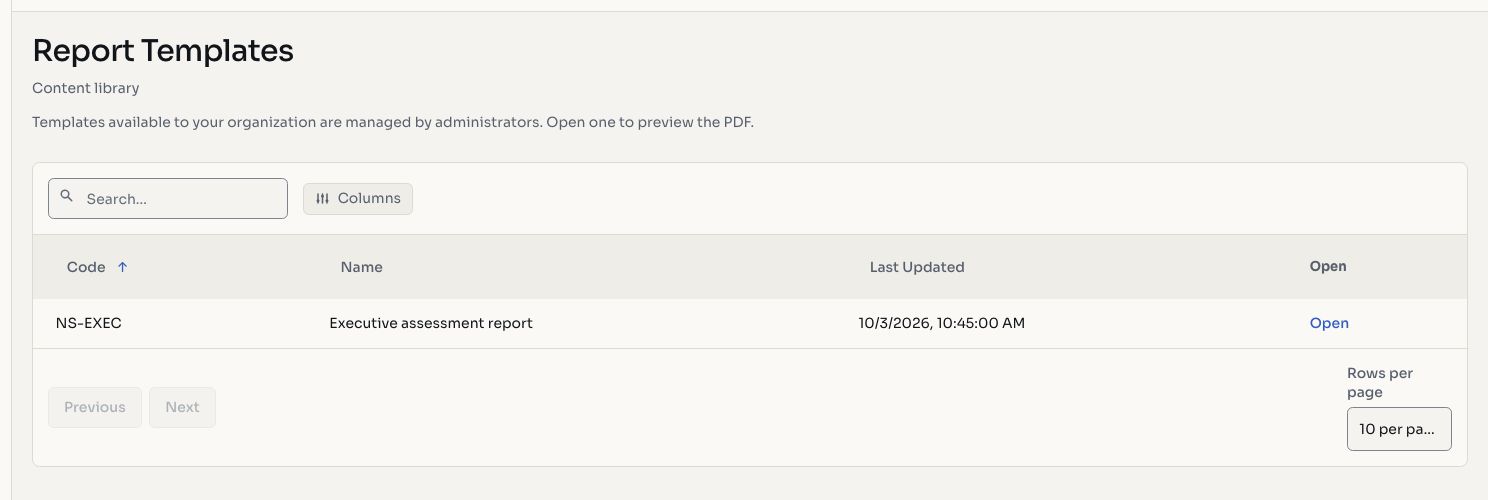
Screenshots use fictional demonstration data.
Multi-Language Support
Templates support multiple output languages:
- English (en)
- Portuguese (pt)
The project's language setting determines which variant is used. Section headers, labels, and boilerplate text adapt to the selected language.
Access Grants
Templates can be assigned to specific organizations, enabling:
- White-label reports: different clients receive reports with different branding
- Compliance-specific formats: templates tailored to regulatory requirements
- Tiered service levels: premium templates for higher-tier clients
Generating Reports
From any project, select a report template and initiate generation. Small projects may generate synchronously for immediate download. Larger projects generate asynchronously: the report is queued, processed by a worker, and made available for download once complete.
TIP
You can check the report status and download it once ready. Generated reports are stored securely and can be re-downloaded at any time.