
Projects
Projects are the core unit for managing security assessments in Hashiro. Each project represents a testing engagement (penetration test, bug bounty program, or continuous assessment) with its own scope, findings, team, and deliverables.
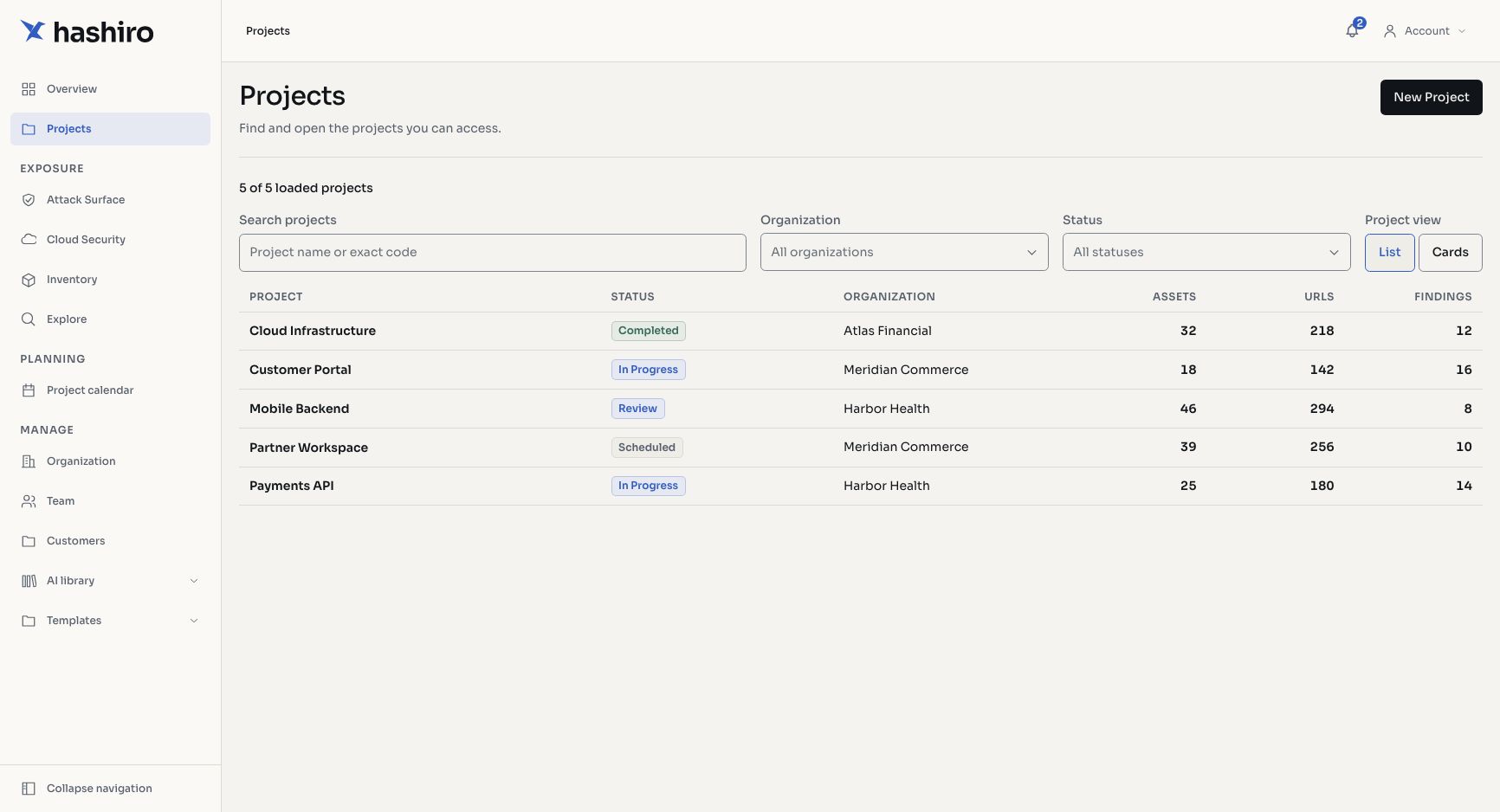
Screenshots use fictional demonstration data.
Portfolio View
The portfolio gives you a centralized view of all engagements. Switch between list and card layouts to suit your preference.
- Search: filter projects by name
- Status filter: narrow by project status (active, completed, archived)
- Client filter: providers can filter by client organization
- Pagination: navigate large portfolios
Each project card shows vulnerability counts by severity, project dates, assigned members, and current status.
Project Types
| Type | Description |
|---|---|
| Black-box | No prior knowledge of the target. Simulates an external attacker. |
| Grey-box | Partial knowledge with some credentials or documentation provided. |
| White-box | Full access to source code, architecture docs, and credentials. |
Provider Feature
Providers can define custom project type definitions beyond the standard categories to match their service offerings.
Project Tabs
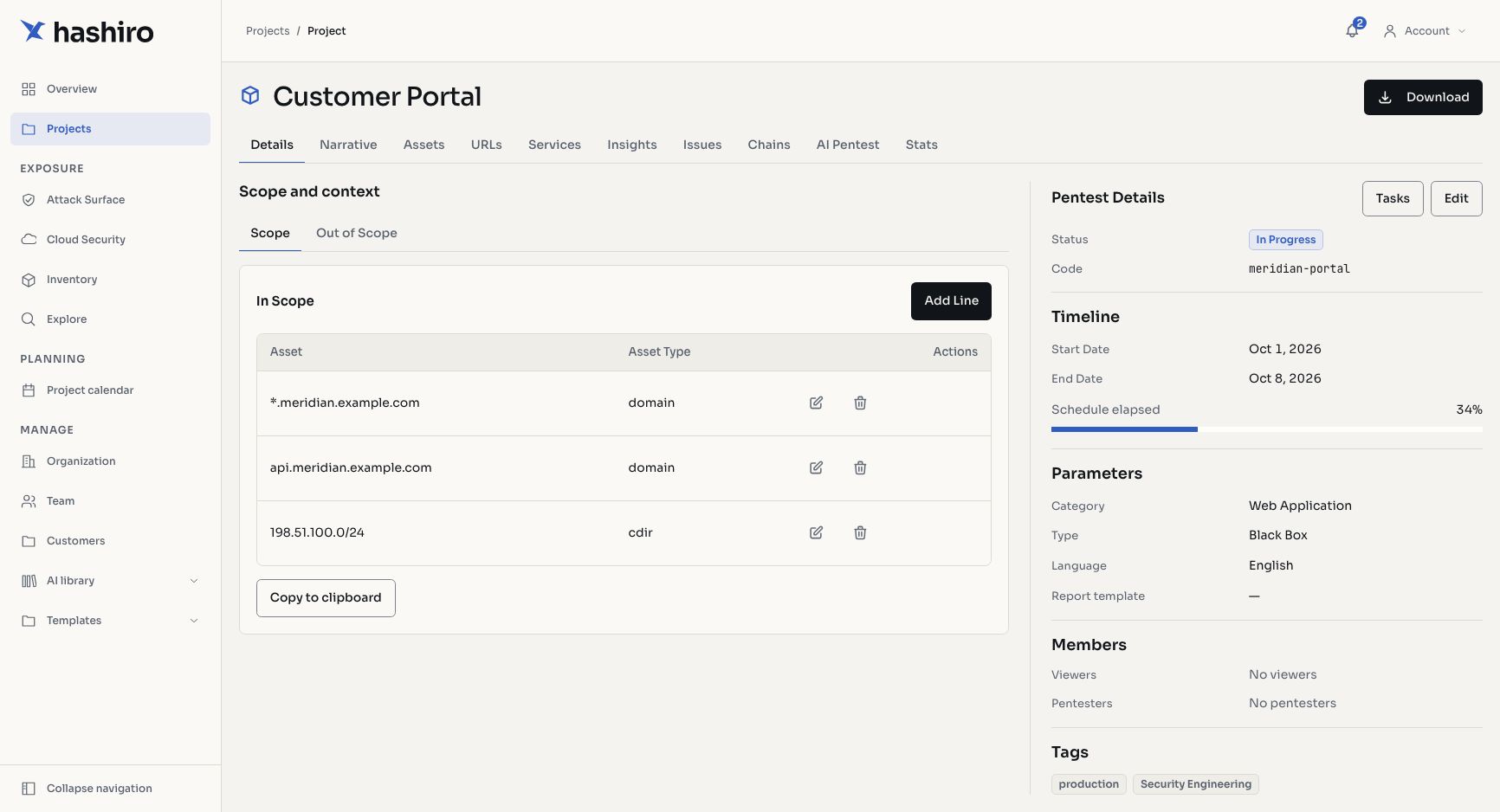
Each project is organized into tabs:
| Tab | Purpose |
|---|---|
| Details | Scope definition, credentials, context, and project configuration |
| Narrative | Markdown documentation of the assessment methodology and progress |
| Assets | Discovered hosts and subdomains within the project scope |
| URLs | Enumerated URL paths on discovered assets |
| Services | Network services detected on assets (ports, protocols) |
| Issues | Vulnerability findings with severity, CVSS scores, and status tracking |
| AI | AI-powered automated assessment integration |
Member Permissions
Projects support per-member permission assignment. Team members can be given specific access levels within a project, independent of their organization-wide role.
Client vs. Provider Management
- Provider-managed projects: created and managed by the security provider with full control over scope, findings, and reports. Clients get read access and can download reports.
- Client-managed projects: created by client organizations for internal assessments. Providers may be granted access to collaborate.
Project Deletion
Deleting a project removes all associated data: assets, URLs, services, findings, insights, AI assessment runs, connectors, and notifications.
WARNING
Project deletion is irreversible. All associated data will be permanently removed.