
Assets
The Assets tab displays all hosts and subdomains discovered on your attack surface. Each asset is enriched with probe data collected automatically during EASM scans.
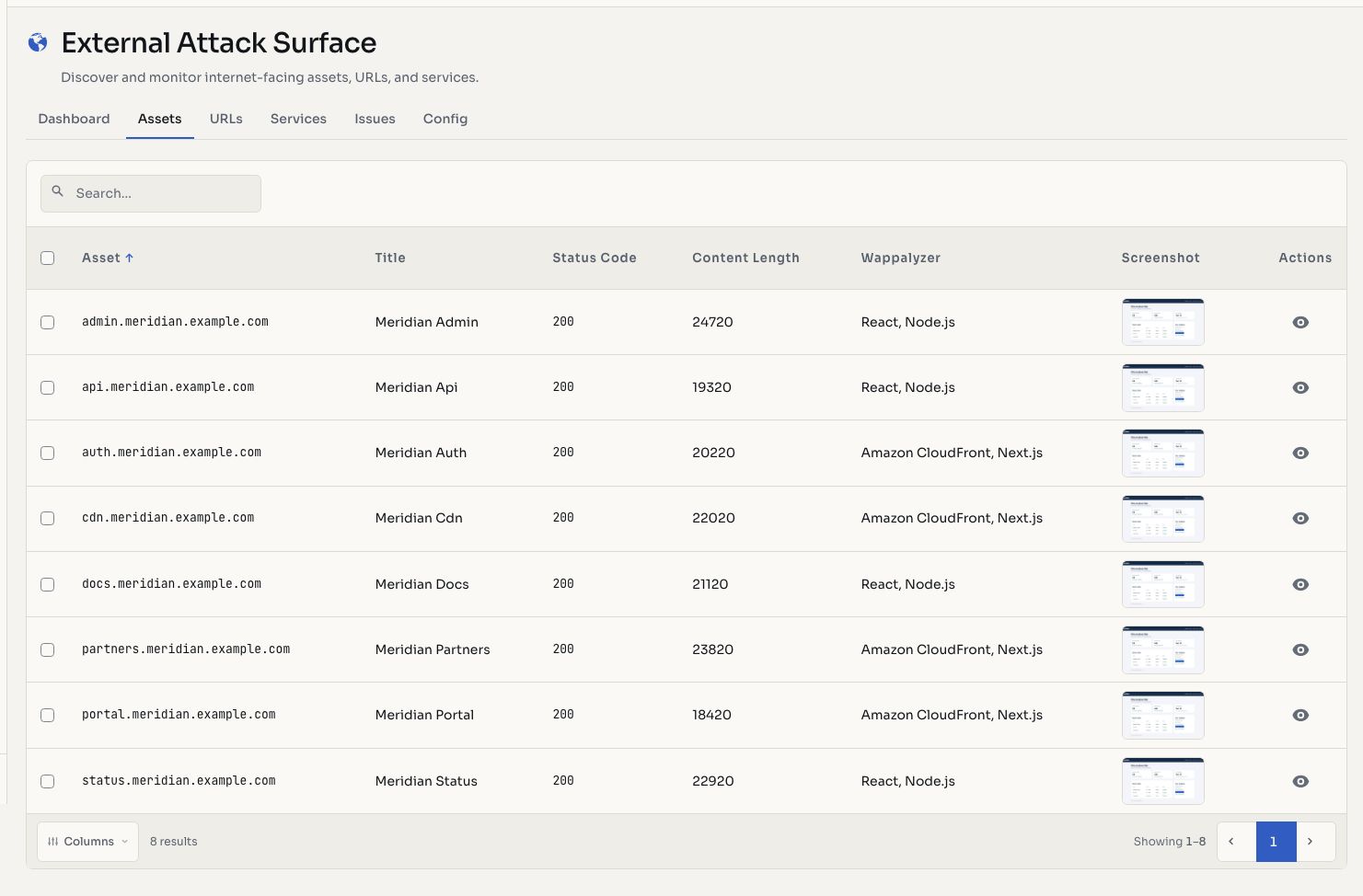
Screenshots use fictional demonstration data.
Asset List
Assets are displayed in a paginated table:
| Column | Description |
|---|---|
| Asset | The hostname, IP address, or domain |
| Type | Domain, IP, wildcard, or CIDR |
| Title | HTML page title extracted during probing |
| Status Code | HTTP response status code (200, 301, 403, etc.) |
| Technologies | Detected technologies via Wappalyzer (frameworks, CMS, libraries, languages) |
| Web Server | Web server software (nginx, Apache, Cloudflare, etc.) |
| CDN | CDN provider detected, if any |
| Availability | Whether the asset is currently reachable |
Probe Data
Every web-facing asset is automatically probed using HTTPX. The probe collects:
- HTTP status code and response headers
- Page title extracted from the HTML
- Content length and body hash (for change detection)
- Favicon hash for identifying known applications
- JARM hash (TLS fingerprint for server identification)
- Technologies via Wappalyzer
- Web server identification from response headers
- CDN detection
- IP addresses resolved for the hostname
- Word and line count (basic content metrics)
- Screenshots via headless browser
Screenshots
Hashiro captures a screenshot of every web asset during probing. Screenshots appear as thumbnails in the asset list and can be viewed full-size in the asset detail view. They help you quickly identify login pages, API endpoints, default server pages, or applications.
Filtering and Search
Filter assets by:
- Search: free-text search across asset names
- Type: domain, IP, wildcard, CIDR
- Availability: available or unavailable assets
- Scope: in-scope or out-of-scope
Actions
- Copy to clipboard: copy asset names for use in external tools
- Delete: remove assets from the inventory
- Download: export the asset list as PDF or CSV
- Restart probe: trigger a re-probe of selected assets to refresh metadata
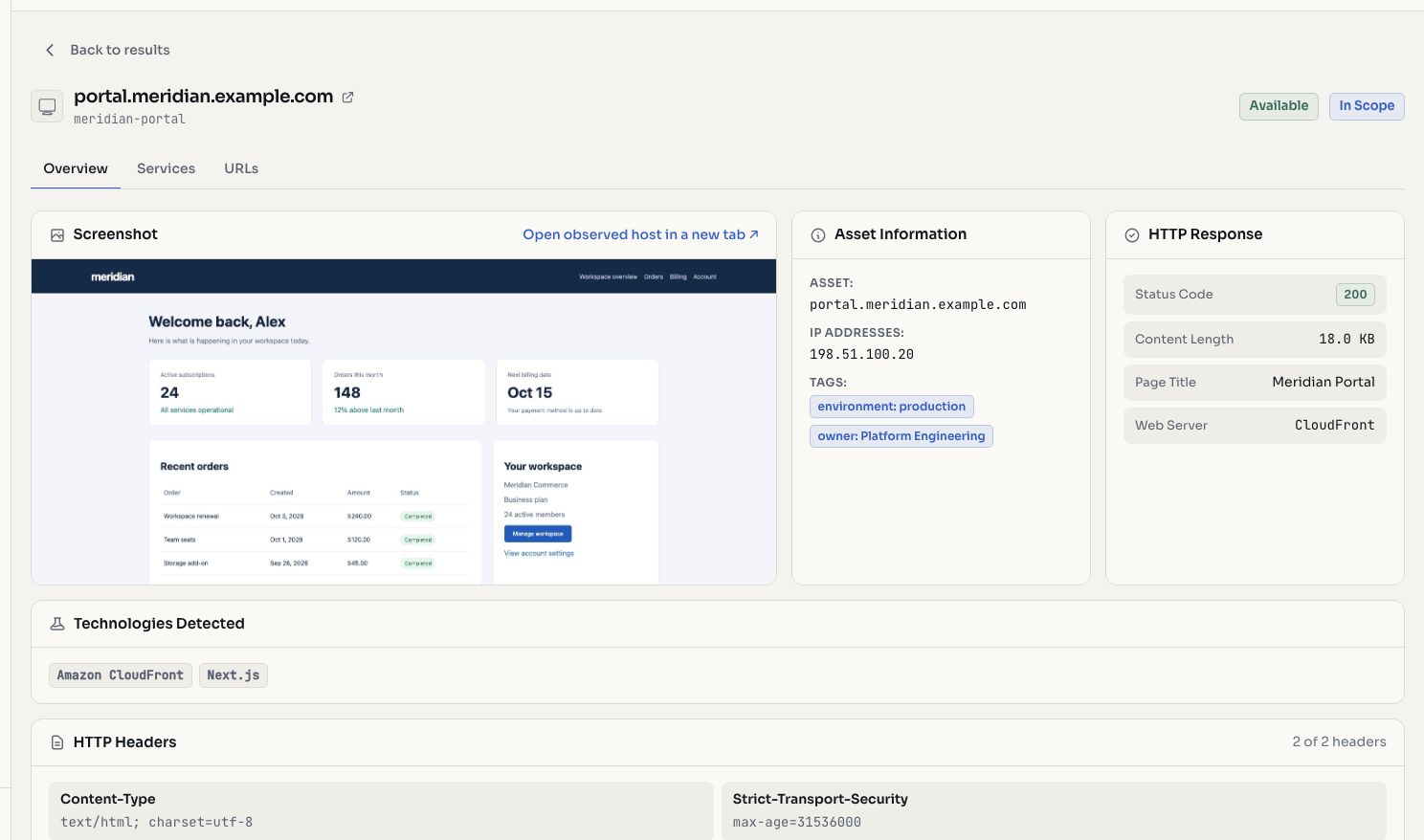
Asset Detail
Click an asset to open its detail view:
- Full screenshot preview
- Complete HTTP response details (headers, status, content)
- Technology stack breakdown
- IP address resolution
- Associated URL paths
- Associated services (ports)
- Related issues found on this asset
TIP
Assets are automatically re-probed on each scan cycle. You can also manually trigger a re-probe for specific assets to get fresh data immediately.